In a world where digital marketing has become an essential lever for every business, email marketing remains a cornerstone. In 2025, SMEs and large organisations alike look for effective solutions to run their email campaigns while keeping costs under control. The best free emailing software now offers a rich palette of features: email automation, scalable contact management, modern email templates and, above all, fine-grained campaign performance analysis. These free tools not only let you test advanced marketing strategies but also build a lasting presence with customers and prospects. As competition and customer expectations intensify, choosing your free email marketing platform wisely becomes crucial to achieving a solid return on investment without getting lost in hidden costs or complex interfaces.
The 2025 market is packed with options, but they are not all equal. Some offer generous quotas, great simplicity and appealing native integrations, while others stand out with powerful automation features or particularly sharp performance-analysis tools. This abundance calls for expertise to align a campaign’s specific needs with the tool’s capabilities. This overview of the best free software covers the tools that hold up for customer retention, boost prospecting and produce attractive content with email templates that convert. The line between “free” and “professional” has now clearly blurred, making these free tools a genuine competitive lever in digital marketing.

The essential criteria for choosing the best free email marketing software in 2025
Choosing free email marketing software is no longer just about comparing prices or ergonomics. In 2025, the decision to adopt a platform rests on a set of strategic criteria that guarantee not only an effective email campaign but also mid- and long-term scalability. Contact management, email automation capabilities, the richness of email templates and, above all, the quality of campaign performance analysis have become must-haves.
First and foremost, the monthly sending limit and the number of contacts managed for free directly determine a tool’s effectiveness. You absolutely must check whether the free version is temporary or permanent. A free offer limited to a few months can be useful for a launch, but quickly falls short for a sustainable strategy. Another key point: ease of use combined with an intuitive interface avoids wasting time getting started. For companies planning to grow, having an accessible paid plan, with a smooth transition between free and premium versions, is essential. This scalability means savings in the long run and a controlled ramp-up in digital marketing.
List of essential criteria
- Contact management: maximum number of contacts, advanced segmentation, easy import/export.
- Email automation: workflows, triggers, custom sending scenarios.
- Email templates: variety and quality of templates, responsive adaptability, drag-and-drop personalisation.
- Performance analysis: open rate, clicks, conversions, detailed reports.
- Sending limits: email volume allowed on the free version (monthly/daily).
- Ease of use: clear interface, accessible support, rich documentation.
- Scalability: ability to easily move to a paid plan without losing data or habits.
Simplified comparison table of key features
| Software | Free contacts | Sending limit (month) | Email automation | Email templates | Performance analysis | Scalability |
|---|---|---|---|---|---|---|
| Mailchimp | 500 | 1,000 | Yes | Many | Complete | Yes |
| Brevo | Unlimited | 9,000 (300/day) | Yes | Varied | Advanced | Yes |
| MailerLite | 1,000 | 12,000 | Yes | Simple and effective | Detailed | Yes |
This simplified selection illustrates the excellence of some free tools, but it is essential to dig into each case to match the solution to your unique needs.
Mailchimp: the go-to leader to start your email campaigns for free
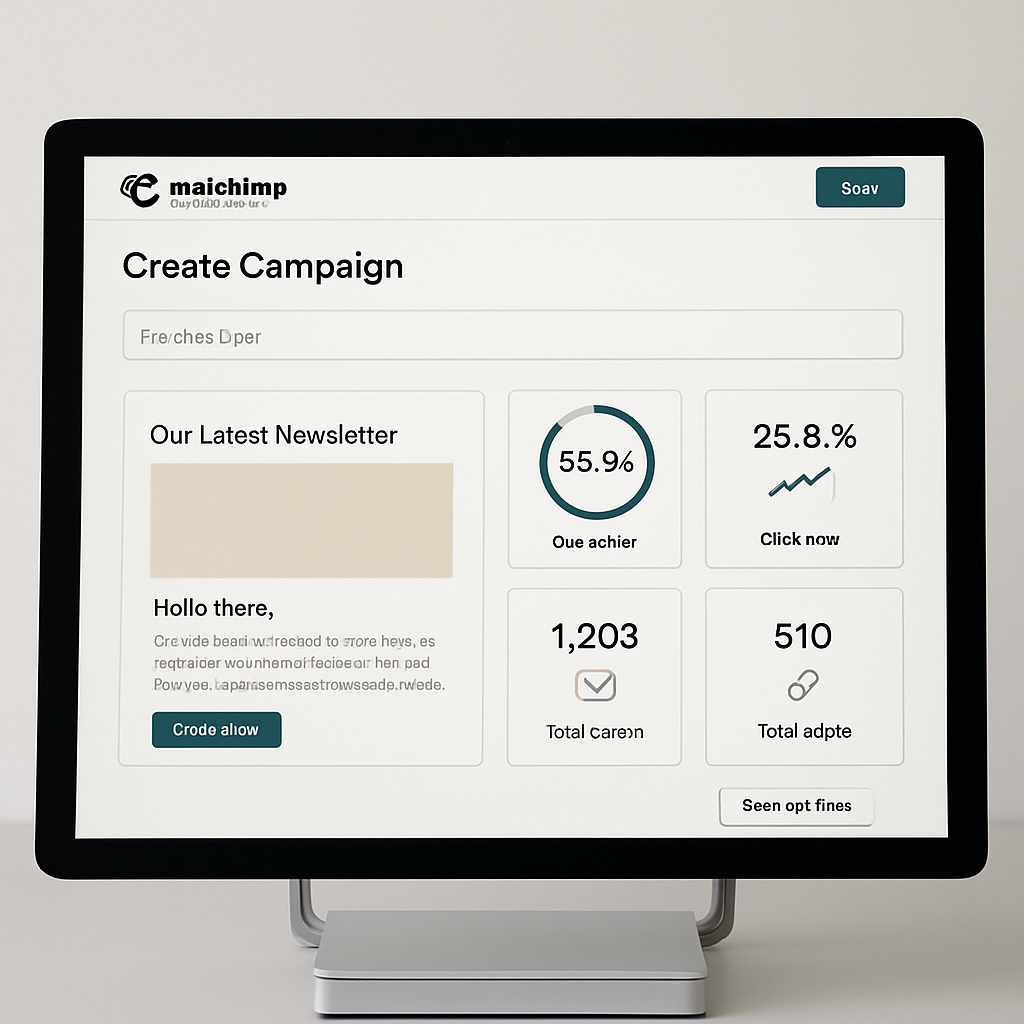
Mailchimp remains a reference among the best free email marketing software. In 2025, its reputation rests on a successful balance between performance and simplicity. The platform puts contact management, campaign creation and impact measurement at the heart of the user experience.
The free plan, though limited to 500 contacts and 1,000 emails sent per month, still gives access to email automation via basic workflows. This feature makes it possible to create automated email sequences, such as welcome series or targeted follow-ups, driving customer engagement without constant manual effort.
Beyond automation, Mailchimp offers a large choice of modern email templates, customisable with drag-and-drop, which simplifies design for marketers. The platform also provides detailed performance analysis for each campaign: open rate, clicks, unsubscribes, giving a clear view to quickly adjust strategies.
Strengths and typical uses
- Intuitive interface appreciated by beginners and experts alike.
- Multiple integrations with over 300 apps (e-commerce, CRM, social networks).
- Advanced segmentation tools to precisely target audiences.
- Email, social and digital advertising in a single tool.
Despite the generous features, note that Mailchimp’s free offer is only available for a trial period. After that, users are encouraged to migrate to paid plans better suited to their volume needs. However, this window lets small businesses seriously experiment and define their marketing needs without an initial financial commitment.
What the free plan actually covers
A typical setup on the free plan: a weekly newsletter, basic prospect segmentation, and a welcome sequence that fires when someone subscribes. The reporting tab is the part worth using, because it tells you which of the two is failing. Falling open rates and rising unsubscribes on the same list usually point at sending frequency rather than at the copy.
Brevo: the complete French solution for managed email campaigns for free
Formerly known as Sendinblue, Brevo is one of the most widely used emailing tools in France. In 2025, its free positioning stands out with a plan that is generous on sends, limited to 300 emails per day but with no restriction on the number of contacts. This makes it an ideal choice for companies with a large contact base that prefer to spread out their sends.
Brevo also offers the ability to send SMS and even WhatsApp campaigns in its free version, adding a multichannel dimension often missing from competing free offers. Marketing automation, though limited to 2,000 contacts on the free plan, lets you deploy sophisticated custom scenarios, which is what separates a working campaign from a broadcast.
Brevo’s major features
- Unlimited contact management with advanced segmentation.
- Effective email automation with customisable scenarios.
- Adaptive, responsive email templates for all devices.
- SMS and WhatsApp campaigns built into the tool.
- Advanced performance analysis through detailed reports.
- Customer support available in French, a plus for local SMEs.
The flexibility on offer comes with a user-friendly interface and complete documentation, making the tool accessible even to less experienced marketing teams. In 2025, Brevo thus stands out as a complete email marketing software, suited to startups and large organisations alike that want to control their campaigns without immediate costs.
A typical agency setup
Agencies tend to land on Brevo for one reason: email and SMS sit in the same tool, with follow-ups triggered by client activity. SMS is billed by credit rather than by contact, which is why it survives on a free or low tier where a per-contact tool would already have priced you out. It also reaches the contacts who have quietly stopped opening anything.
MailerLite: a top free email marketing software for simplicity and performance
MailerLite is known for its fine balance between ease of use and advanced features. In 2025, its free version remains very competitive with management of up to 1,000 contacts and 12,000 emails sent per month, letting SMEs run effective email campaigns without severe constraints.
Its drag-and-drop email template editor is appreciated for its ease and speed, with a good variety of templates suited to modern digital marketing. Email automation, available in the free version too, offers standard scenarios such as welcome sequences and targeted follow-ups.
MailerLite’s key advantages
- Simple to use even without deep technical skills.
- Many responsive email templates that are easy to customise.
- Email automation included in the free version.
- Clear, actionable performance reports.
- Scalability to paid plans without disruption.
This software particularly appeals to SMEs and freelancers who want to launch campaigns with quick onboarding while keeping the ability to scale as their ambitions grow. The lack of built-in SMS in the free plan does limit multichannel reach, but this can be added via add-ons on paid plans.
Example of practical uses
MailerLite fits the retail pattern of one promotional send a month, segmented by customer profile. The interface is the real argument for it: building a campaign takes noticeably less time than in Mailchimp or Brevo. That matters when you send twelve campaigns a year rather than running a continuous programme, because the setup cost is spread over far fewer sends.
Performance analysis and campaign optimisation with free tools
The ability to analyse email campaign performance in fine detail is a major differentiator of the best free software. In 2025, these platforms offer interactive dashboards where marketers can easily track several key metrics: open rate, click rate, conversion rate, unsubscribes and bounces.
This valuable data makes it possible to quickly correct ongoing campaigns. For example, a low open rate can signal an unappealing subject line or a deliverability issue. In that case, it is essential to build A/B testing into the campaign to test different subject-line or call-to-action variants.
List of the main metrics to watch
- Open rate: key indicator of recipient interest.
- Click rate: measures real engagement with the links.
- Conversion rate: evaluates the final effectiveness of the campaign.
- Unsubscribe rate: identifies content relevance.
- Bounce rate: signals addressing errors or technical problems.
Rigorous monitoring of these indicators helps optimise future campaigns, adjust contact segmentation and strengthen overall digital-marketing effectiveness. Staying vigilant on deliverability, notably through correct SPF, DKIM and DMARC configuration, ensures emails pass through spam filters.
Table of essential performance indicators
| Metric | Ideal target | Action to take if low |
|---|---|---|
| Open rate | Above 25% | Improve the subject line and personalise the sender name |
| Click rate | At least 5% | Optimise calls to action and their placement |
| Conversion rate | Depends on goals (sale, sign-up, download) | Test the content and the relevance of offers |
| Unsubscribe rate | Under 1% | Check the frequency and quality of sends |
| Bounce rate | Under 2% | Regularly update the contact base |
The importance of email automation in free software to boost your campaigns
Email automation is one of the most powerful levers to increase marketing productivity while improving the customer experience. Free tools in 2025 have made this feature a standard, even if limits on contacts or features can vary.
Thanks to email automation, you can create personalised sequences that adapt to the recipient’s behaviour. For example, a new subscriber can automatically receive a series of welcome or discovery emails, without the marketer having to intervene manually at each step.
The most common automation examples
- Welcome and brand-discovery emails.
- Abandoned-cart follow-ups for e-commerce.
- Event notifications (birthdays, limited promotions).
- Dynamic segmentation based on activity and interests.
- Re-engaging inactive subscribers with a targeted campaign.
This ability to create a continuous, automated relationship helps increase engagement rates, retention and, ultimately, conversions. In a dynamic digital-marketing strategy, automating these tasks frees up time to develop other creative and strategic areas.
Summary table of automations available in free software
| Software | Automation type | Free version limits | Advantages |
|---|---|---|---|
| Brevo | Advanced custom workflows | 2,000 contacts | Multichannel (email, SMS, WhatsApp) |
| MailerLite | Simple automated sequences | 1,000 contacts | Simplicity and speed of use |
| Mailchimp | Basic automation | Limited trial | Social network integration |
Free email templates: how to choose and optimise your designs to maximise impact
The visual quality of an email is a major factor in campaign success. Free tools in 2025 offer a wide range of email templates suited to different sectors and marketing goals. These pre-designed templates guarantee responsive support, essential for smooth reading on all devices, from smartphone to desktop.
A good email template combines a clean design with a clear structure, guiding the reader’s attention toward the calls to action. The ability to easily customise these templates with drag-and-drop editors improves campaign effectiveness by making content more attractive and consistent with the company’s visual identity.
Practical tips for choosing a good email template
- Opt for a clean design that favours readability with clearly delimited blocks.
- Favour fluid, responsive templates that ensure a good mobile experience.
- Make sure it is compatible with most popular email clients.
- Choose options offering flexible customisation of text and images.
- Always test your emails before sending, notably via built-in preview or test features.
Comparison table of templates available in the best free tools
| Software | Number of templates | Responsive | Ease of customisation | Ideal for |
|---|---|---|---|---|
| Brevo | 70+ | Yes | Drag-and-drop | E-commerce, B2B |
| MailerLite | 50+ | Yes | Drag-and-drop and HTML | SMEs, freelancers |
| Mailchimp | 100+ | Yes | Drag-and-drop | Multi-sector |
Contact management: a crucial lever for a successful email marketing strategy with free tools
The richness and quality of the contact base largely determine the success of an email campaign. In 2025, the best free email marketing software emphasises advanced contact-management capabilities, offering valuable functions to clean, segment and enrich your base.
Maintaining a healthy contact base avoids the inevitable issues tied to hard bounces or mass unsubscribes that penalise deliverability. Free options often include simplified tools for import/export, duplicate removal, unsubscribe management and, above all, advanced segmentation tools that enable fine-grained personalisation of sends.
What effective contact management must offer
- Easy import/export in common formats (CSV, XLS).
- Dynamic segmentation based on behaviours and preferences.
- Automatic cleaning of invalid and inactive addresses.
- Unsubscribe management and GDPR compliance.
- Ability to enrich profiles with tags or custom fields.
Summary table of contact-management functions
| Software | Import/Export | Segmentation | Base cleaning | GDPR & unsubscribes | Profile enrichment |
|---|---|---|---|---|---|
| Brevo | Yes | Advanced | Automatic | Yes | Tags, custom fields |
| MailerLite | Yes | Standard | Manual | Yes | Custom fields |
| Mailchimp | Yes | Advanced | Automatic | Yes | Tags, segmentation |
The limits and challenges of free versions in email digital marketing in 2025
While the appeal of free email marketing tools in 2025 is undeniable, their limits should not be ignored. Very often, these free versions impose constraints that hold back the scaling of email campaigns. Identifying these challenges is essential to anticipate and make the choice best suited to real needs.
The main limits lie in monthly or daily sending quotas, the ability to manage an extended contact base, and the absence or throttling of advanced automation features. Some platforms also reserve customer support for paying users, which can become a deal-breaker in the event of urgent technical or strategic issues.
List of common drawbacks of free tools
- Constraining sending quotas that can abruptly stop campaigns.
- Advanced features often missing (unlimited A/B testing, fine segmentation).
- Advertising mentions in emails (platform branding).
- Lack of responsive customer support or assistance limited to FAQs.
- Limits on integration with other marketing or CRM tools.
Despite everything, this free software remains an excellent starting point, but it is wise to plan a switch to paid plans as soon as growth accelerates or the strategy becomes more complex. Anticipating this evolution helps avoid disruptions in campaigns and the loss of valuable data.
Summary table of common limits in free offers
| Software | Contact limit | Sending quota | Advanced automation | Free customer support | Advertising mentions |
|---|---|---|---|---|---|
| Mailchimp | 500 | 1,000 emails/month | Basic (limited) | No | Yes |
| Brevo | Unlimited | 300 emails/day | Yes (limited) | Yes | No |
| MailerLite | 1,000 | 12,000 emails/month | Yes (standard) | No | Yes |
FAQ on the best free email marketing tools in 2025
- Can you really succeed with your email campaigns using a free tool?
Yes, especially in the startup phase or for small organisations. Free tools today offer fairly complete features to run effective campaigns and measure their performance. - Which criteria should you prioritise when choosing a free tool?
The ability to manage a suitable contact base, email automation options, the quality of email templates and the presence of accessible support remain the major criteria. - What are the frequent limits of free versions?
Monthly sending limits, reduced features, platform email branding and less customer support are to be expected. - How do I optimise my email deliverability on a free plan?
Correctly configuring DNS (SPF, DKIM, DMARC), regularly cleaning the contact base and segmenting finely significantly improve deliverability. - Is automation available in free versions?
Most tools offer basic or even advanced automation, but with limits on contacts or on certain scenario types.
